



DIGITAL FILE only. No physical item mailed.
Purchase includes:
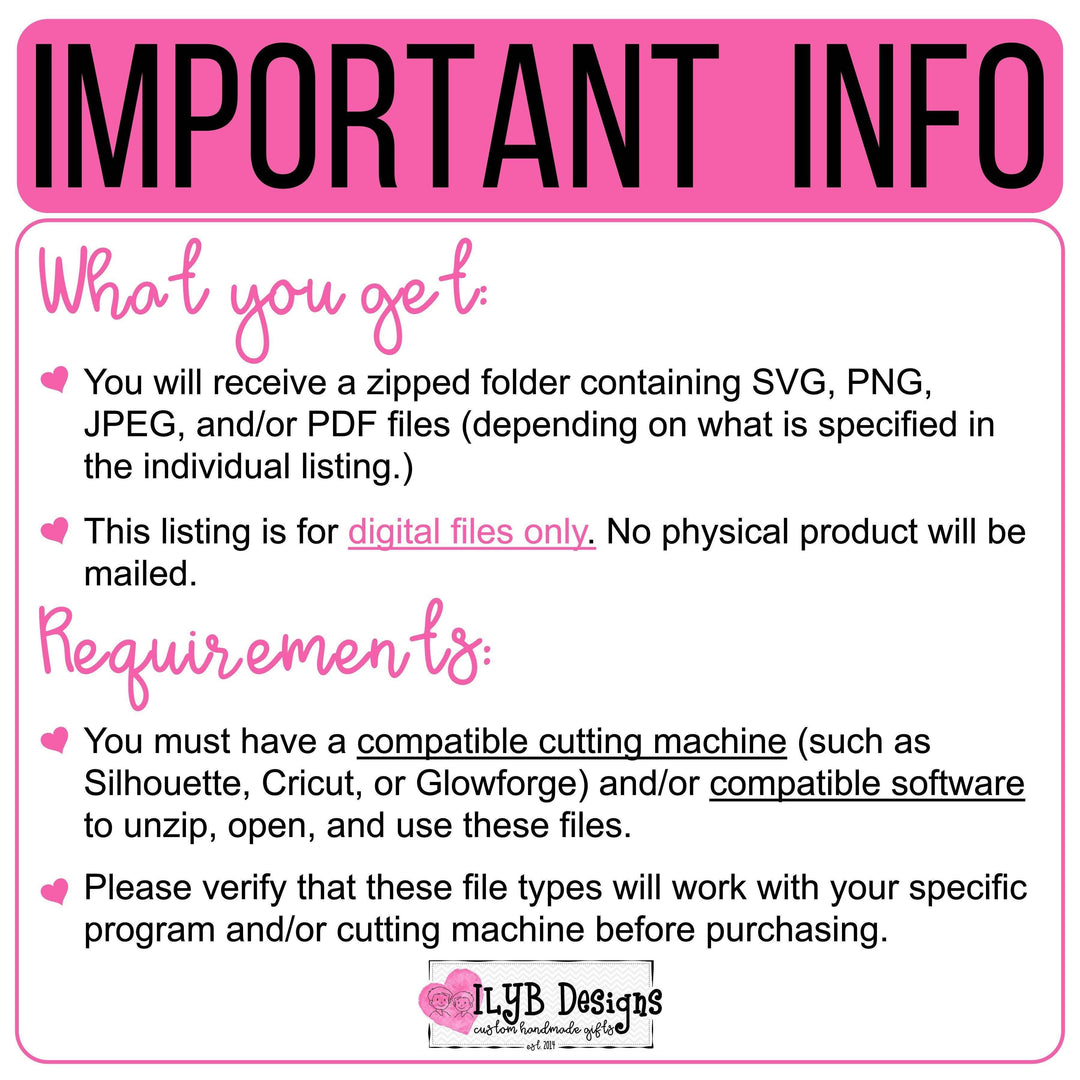
Please verify that these file types will work with your specific program and/or cutting machine before purchasing.
Please do not share this file or claim this design as your own.
Immediately after checkout is completed, a download link will be provided on the order confirmation page.
A download link will also be sent via email.
Each purchase includes a ZIP folder containing the file types listed in the individual product description. This may include:
• SVG
• PNG
• JPEG
• PDF
Please review each listing carefully to confirm which formats are included.
Files are designed for use with:
• Laser machines (such as Glowforge)
• Cutting machines (such as Cricut and Silhouette)
Compatible design software is required to open and use these files.
Please ensure that your:
• Machine
• Software
• Program
are compatible with the file types listed in the product description before purchasing.
Due to the nature of digital downloads, refunds cannot be issued for compatibility issues.
Your files will download as a ZIP folder. This is a compressed folder that must be extracted before use.
Your files will appear in a new folder.
If files won’t open, it usually means:
• The ZIP folder has not been extracted
• Compatible software is not installed
• The file type is not supported by your machine
Make sure to unzip the folder before attempting to upload files into your cutting software.
Digital cutting files are best accessed on a desktop or laptop computer.
Some mobile devices may not support downloading or extracting ZIP folders.
Help is available if there are issues with downloading or accessing files.
Support does not include machine settings, software troubleshooting, or project setup.
For assistance with downloads, please reach out using:
• The website chat feature OR
• Email: stephanie@ilybdesigns.com